iOS App Group ID Setup
Why this is required
When your iOS wallet app and DocumentProviderExtension need to share data, both targets must use the same App Group identifier.
This is required for bundles such as:
org.multipaz.samples.wallet.cmp.UtopiaSample
Important naming distinction in Apple Developer
On the Apple Developer Identifiers pages, there are two different values:
- Description (shown in your identifiers list as Name)
- Example value:
XC org multipaz samples wallet cmp UtopiaSample - This is the App ID display name, not the App Group identifier.
- Example value:
- App Group identifier
- Usually in the format
group.org.multipaz.samples... - This is the value you must add to entitlements for app-extension data sharing.
- Usually in the format
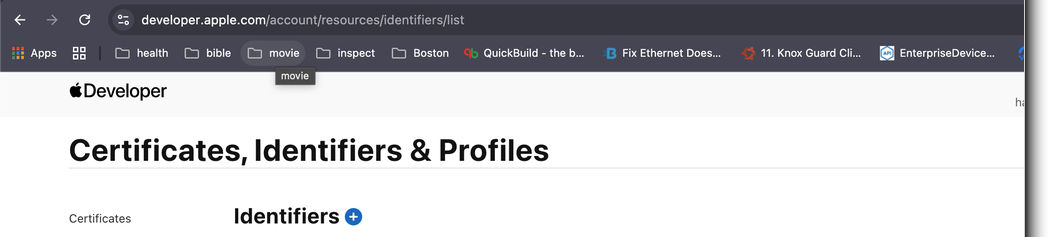
Identifiers list example (where the same string appears in the Name column):
Apply App Group to your App ID
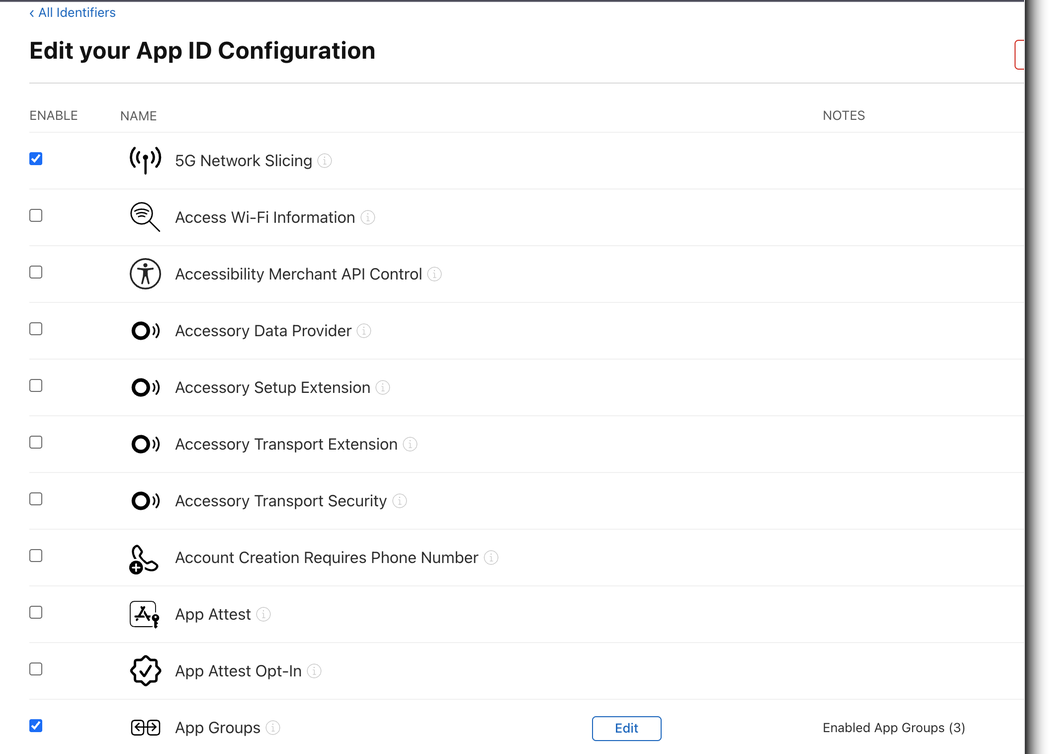
- Open Apple Developer portal: Certificates, Identifiers & Profiles.
- Open the App ID for your bundle (
org.multipaz.samples.wallet.cmp.UtopiaSample). - On Edit your App ID Configuration, scroll to App Groups.
- Ensure App Groups is enabled (checked).
- Click Edit next to App Groups.
- Select or create the group ID you want to use (for example
group.org.multipaz.samples.wallet). - Save changes.
App ID configuration example (scroll to App Groups and click Edit):
Apply the same Group ID in Xcode
- Open your iOS project in Xcode.
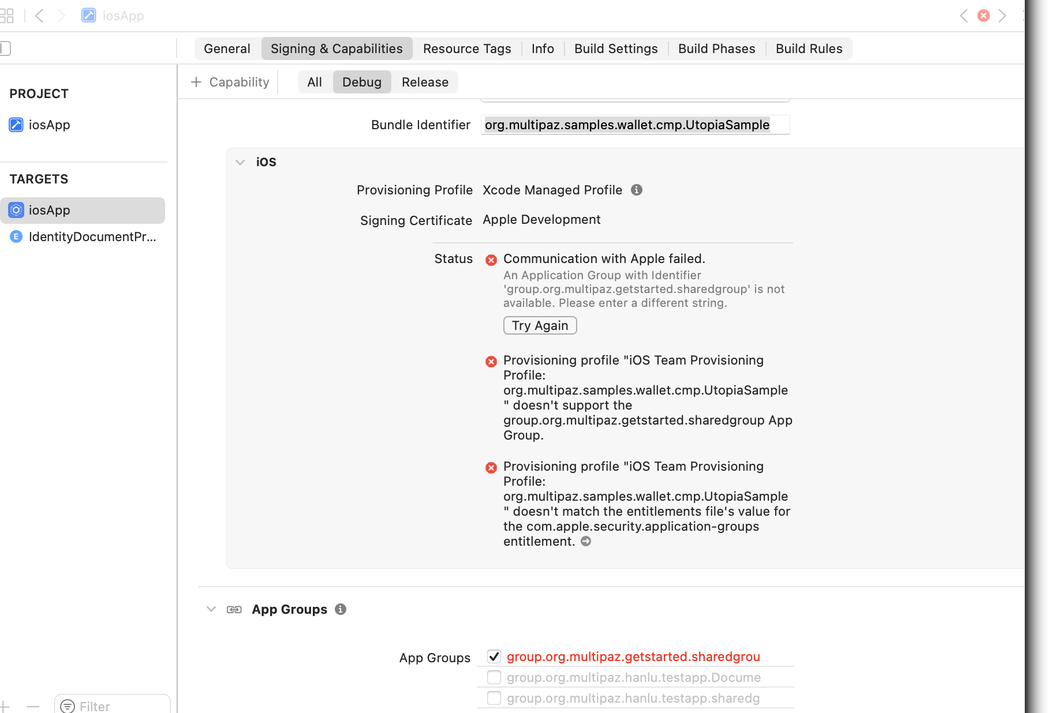
- For the app target, go to Signing & Capabilities and add App Groups (if missing).
- Add the exact same App Group identifier selected in Apple Developer.
- Repeat for the extension target (
DocumentProviderExtension) so both targets contain the same group ID.
Xcode example (App Groups capability in Signing & Capabilities):
Verify entitlements
Confirm both entitlements files contain the same group in com.apple.security.application-groups:
<key>com.apple.security.application-groups</key>
<array>
    <string>group.org.multipaz.samples.wallet</string>
</array>
Targets that commonly need this match:
iosApp.entitlementsIdentityDocumentProviderExtension.entitlements
Troubleshooting
- If you only set Description/Name, sharing will still fail because Description is not an App Group ID.
- If app and extension use different group IDs, shared container access will fail.
- If changes do not apply immediately, regenerate profiles in Apple Developer and refresh signing in Xcode.